Illustrator · JSX script
Artboard PNG Export
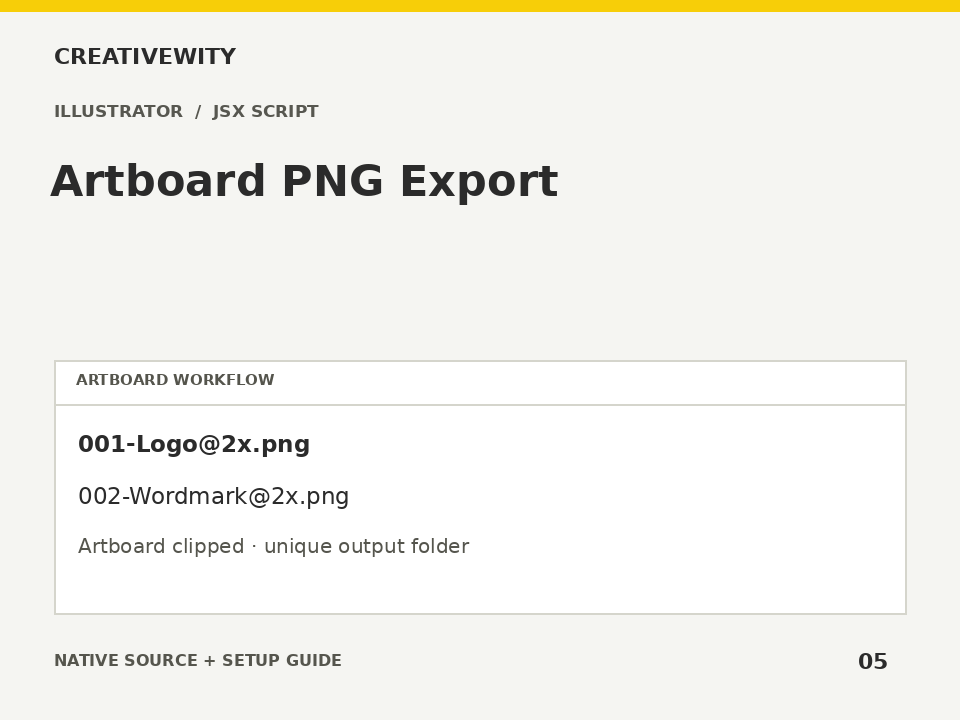
Export every artboard as a separately named, clipped PNG at 1×, 2× or 3× scale.
Download ZIPThis page is a setup guide; the tool runs inside Illustrator.
What it does
Export a logo suite, social set or UI artboards to consistently named transparent PNGs.
Install
Extract this ZIP. In Illustrator desktop, use File → Scripts → Other Script and select ai-artboard-png-export.jsx.
Use
- Open the document and run the JSX from File → Scripts → Other Script.
- Choose the scale and a parent output folder.
- Find individually named PNGs in the new export subfolder.
Scope and limits
Exports all artboards, up to 100, using current Illustrator colour handling; it does not promise an sRGB conversion. Clipping is to each artboard; outside bleed is excluded. 1× = 72 ppi; 2× = 144 ppi; 3× = 216 ppi. This is not a 300 ppi print exporter. Output is limited to 16,000 px per side. Partial results are retained and reported if an export fails.
Verification
Validation: JavaScript syntax, mock-host behaviour and package integrity are checked. Native execution in Illustrator is not certified; the Adobe applications and a signed-in Figma editor were not available in the build environment. Check the included manual checks in your installed app.