Illustrator · JSX script
Document & Link Report
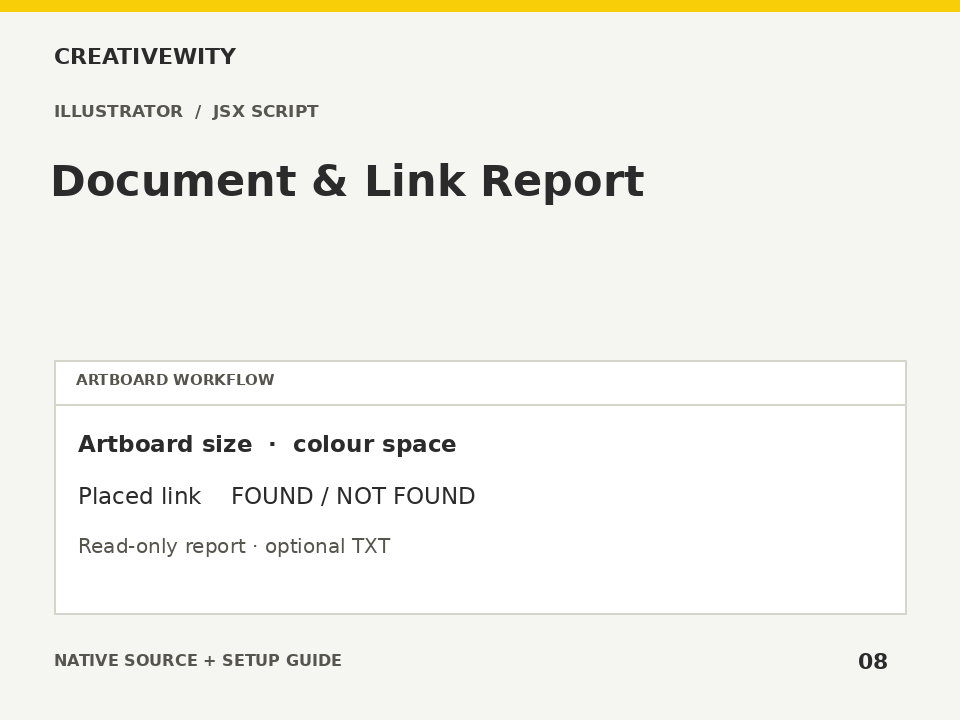
List artboard dimensions, document colour space and placed-link availability without changing artwork.
Download ZIPThis page is a setup guide; the tool runs inside Illustrator.
What it does
Check artboard sizes and local file-link availability before packaging an Illustrator job.
Install
Extract this ZIP. In Illustrator desktop, use File → Scripts → Other Script and select ai-document-link-report.jsx.
Use
- Open the AI file and run the JSX.
- Review artboard sizes and each placed-file status.
- Optionally save the report as TXT.
Scope and limits
Read-only inventory. Missing links may mean an offline drive or access restrictions. Embedded assets are not checked as external links. No font, bleed, overprint, PDF/X or image-resolution validation is claimed.
Verification
Validation: JavaScript syntax, mock-host behaviour and package integrity are checked. Native execution in Illustrator is not certified; the Adobe applications and a signed-in Figma editor were not available in the build environment. Check the included manual checks in your installed app.