Illustrator · JSX script
Artboard Safe-margin Guides
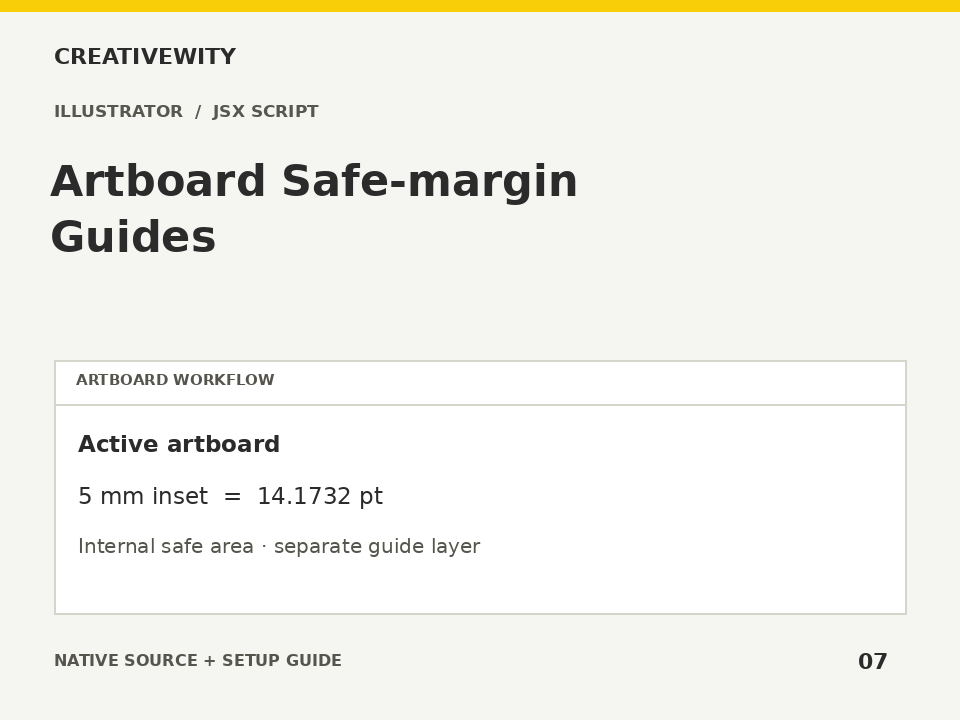
Create an inset guide rectangle on the active artboard using millimetres or points.
Download ZIPThis page is a setup guide; the tool runs inside Illustrator.
What it does
Mark an internal safe area for labels, packaging or layout work using exact unit conversion.
Install
Extract this ZIP. In Illustrator desktop, use File → Scripts → Other Script and select ai-safe-margin-guides.jsx.
Use
- Activate the required artboard.
- Run the JSX, choose millimetres or points and enter the inset.
- Show guides if hidden. The new named layer contains the guide rectangle.
Scope and limits
Active artboard only. Margin is an inset, not bleed, crop marks or an industry compliance check. Uses 72 points per inch and 25.4 mm per inch. Supports zero inset and rejects a collapsed guide rectangle. Adds one layer and does not save the document.
Verification
Validation: JavaScript syntax, mock-host behaviour and package integrity are checked. Native execution in Illustrator is not certified; the Adobe applications and a signed-in Figma editor were not available in the build environment. Check the included manual checks in your installed app.