Figma · Development plugin
Selection Layer Renamer
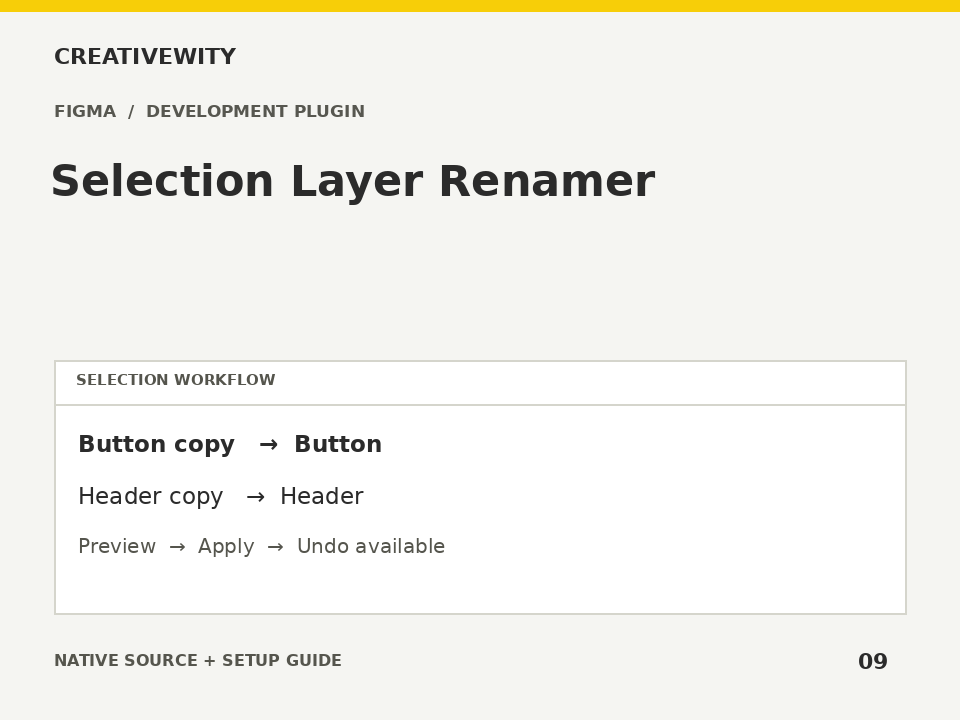
Preview literal replacements, whitespace cleanup, prefixes, suffixes and optional numbering before applying layer names.
Download ZIPThis page is a setup guide; the tool runs inside Figma.
What it does
Clean selected layer trees before developer handover or asset export.
Install
Use the Figma desktop app. Create a new local development plugin for Figma Design with a UI, then keep its Figma-generated ID. Open SETUP.html locally and enter that ID to generate manifest.json. Put it next to code.js and ui.html in the development plugin folder. Import/run that final manifest from Plugins → Development. No build step or dependencies. The manifest template deliberately has no fake plugin ID. These are development sources, not a published Community plugin.
Use
- Set up the local development plugin using SETUP.html or README.md.
- Select layers and choose your naming options.
- Preview names, then Apply preview.
Scope and limits
Current-page selection only; optional descendants are deduplicated. Instance descendants and effectively locked nodes are skipped. Order follows selection and child order, not canvas position. Matching is case-sensitive and literal. Preview becomes invalid when selection, planned names or locks change. Maximum 5,000 scoped nodes.
Verification
Validation: JavaScript syntax, mock-host behaviour and package integrity are checked. Native execution in Figma is not certified; the Adobe applications and a signed-in Figma editor were not available in the build environment. Check the included manual checks in your installed app.