Figma · Development plugin
Layout Measurement Report
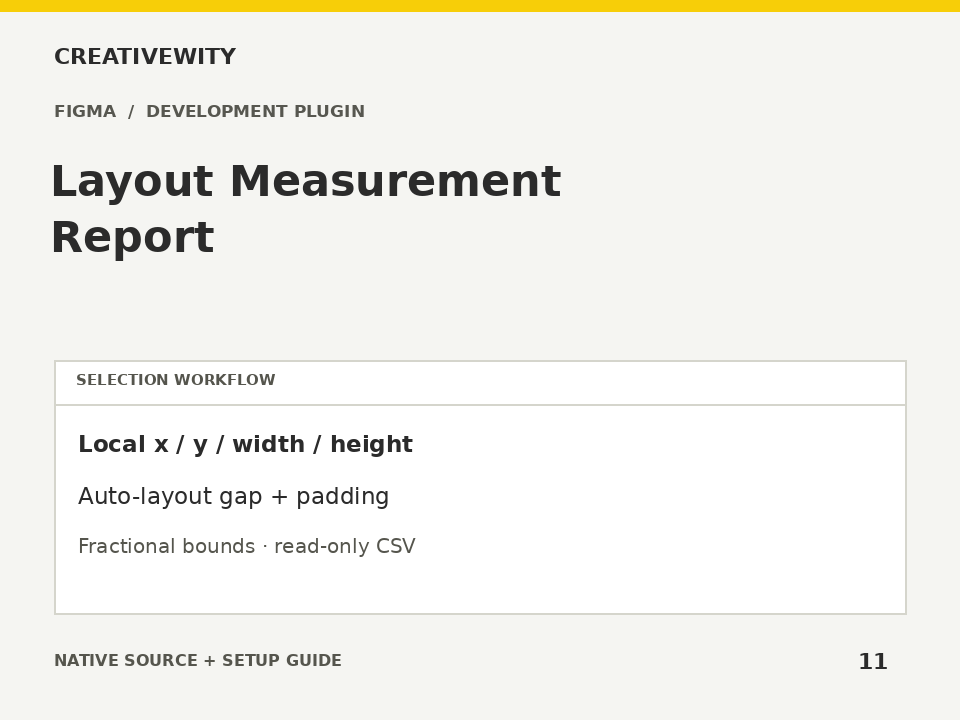
Inspect local bounds, fractional values, rotation and auto-layout gaps and padding, then download CSV.
Download ZIPThis page is a setup guide; the tool runs inside Figma.
What it does
Find fractional dimensions and inspect the spacing settings used in selected components and frames.
Install
Use the Figma desktop app. Create a new local development plugin for Figma Design with a UI, then keep its Figma-generated ID. Open SETUP.html locally and enter that ID to generate manifest.json. Put it next to code.js and ui.html in the development plugin folder. Import/run that final manifest from Plugins → Development. No build step or dependencies. The manifest template deliberately has no fake plugin ID. These are development sources, not a published Community plugin.
Use
- Set up the development plugin.
- Select the layers or parent frames to inspect.
- Generate the report and use CSV to compare measurements.
Scope and limits
Read-only, current-page selection scope. Coordinates are parent-local, not absolute rendered bounds. Reports configured linear auto-layout item gap and available padding; does not infer visual distances, grid gaps, contrast or accessibility compliance. Fractional values use a 0.001 tolerance and are informational. Maximum 5,000 scoped nodes.
Verification
Validation: JavaScript syntax, mock-host behaviour and package integrity are checked. Native execution in Figma is not certified; the Adobe applications and a signed-in Figma editor were not available in the build environment. Check the included manual checks in your installed app.