Photoshop · JSX script
Batch Layer Renamer
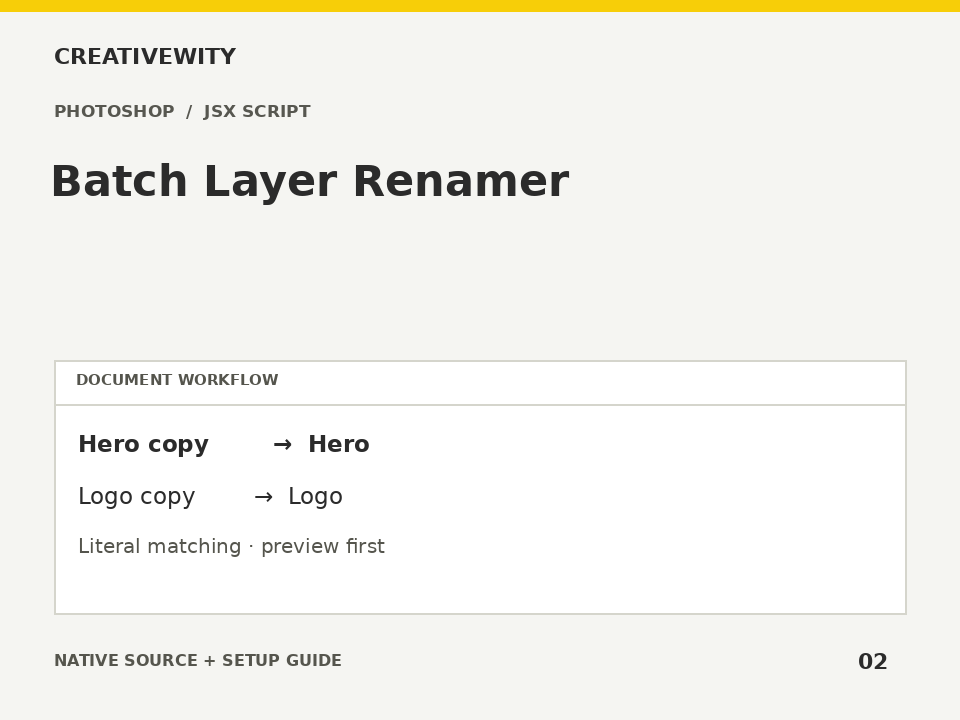
Clean layer names, replace literal text and add prefixes, suffixes or numbering, with a confirmation preview.
Download ZIPThis page is a setup guide; the tool runs inside Photoshop.
What it does
Tidy a PSD before handover and apply consistent export or production naming.
Install
Extract this ZIP. In Photoshop desktop, use File → Scripts → Browse and select ps-batch-layer-renamer.jsx.
Use
- Open the PSD and run the JSX.
- Set find/replace, prefix/suffix and optional numbering.
- Review the preview and confirm. Save the PSD when satisfied.
Scope and limits
Renames unlocked layers in the active document; it does not target multi-selected layers. Matching is case-sensitive and literal. Background and fully locked layers and locked descendants are skipped. Group names are included; nesting is optional. Uses native edit history and does not auto-save. Limit: 5,000 unlocked layers.
Verification
Validation: JavaScript syntax, mock-host behaviour and package integrity are checked. Native execution in Photoshop is not certified; the Adobe applications and a signed-in Figma editor were not available in the build environment. Check the included manual checks in your installed app.