Photoshop · JSX script
Document & Layer Report
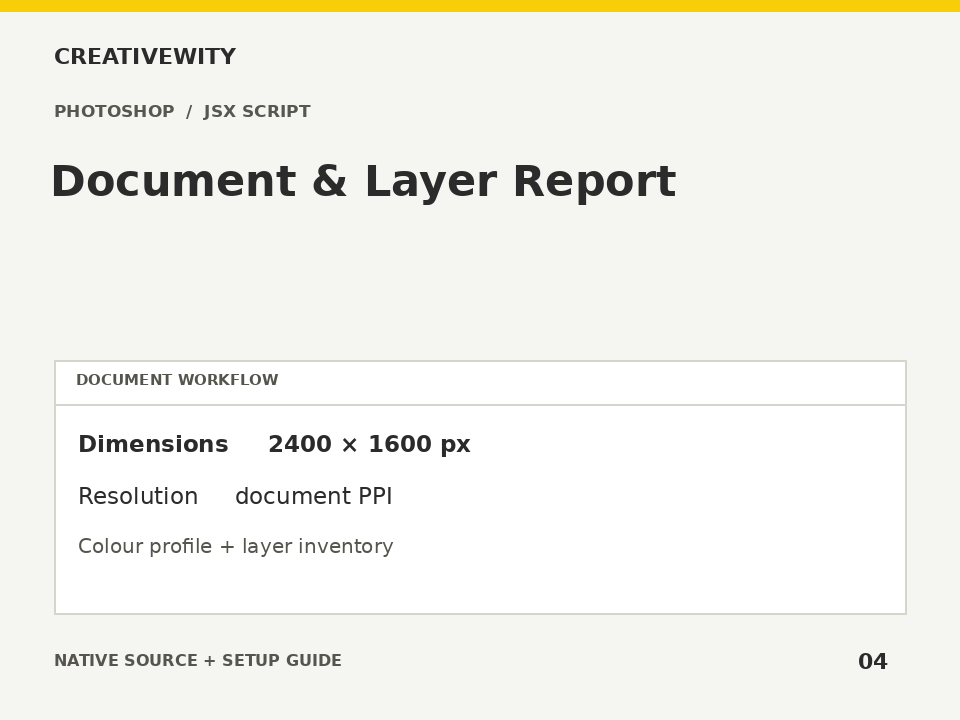
Inspect pixel and print dimensions, colour mode, profile, layer structure and text fonts in a read-only report.
Download ZIPThis page is a setup guide; the tool runs inside Photoshop.
What it does
Check a PSD’s dimensions, profile and layer inventory before export or handover.
Install
Extract this ZIP. In Photoshop desktop, use File → Scripts → Browse and select ps-document-report.jsx.
Use
- Open the document and run the JSX.
- Read the inventory in the report window.
- Optionally choose Save TXT.
Scope and limits
Read-only. Font names are those returned by TextItem and may not cover mixed-font runs; installed-font availability is not checked. Does not inspect linked Smart Object contents, print bleed, image quality or colour accuracy. Optional TXT output is a report only.
Verification
Validation: JavaScript syntax, mock-host behaviour and package integrity are checked. Native execution in Photoshop is not certified; the Adobe applications and a signed-in Figma editor were not available in the build environment. Check the included manual checks in your installed app.