Photoshop · JSX script
Margin & Grid Guides
Add exact pixel margins, rows and columns to the active canvas while keeping existing guides.
Download ZIPThis page is a setup guide; the tool runs inside Photoshop.
What it does
Set up a web, social or editorial grid with explicit margins and gutters.
Install
Extract this ZIP. In Photoshop desktop, use File → Scripts → Browse and select ps-margin-grid-guides.jsx.
Use
- Open the document and run the JSX.
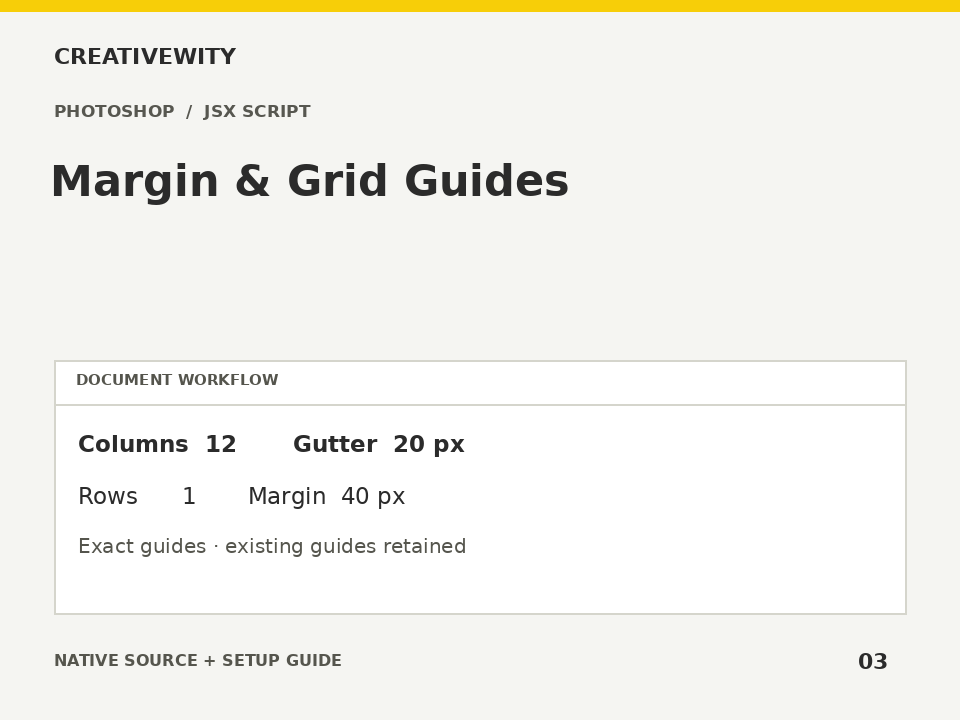
- Enter margins, column/row counts and gutters in pixels.
- Confirm the settings, then enable guide visibility if needed.
Scope and limits
Uses full-canvas pixel coordinates, not per-artboard grids. Adds new guides; duplicates of existing guides may remain. Supports 1–64 rows/columns, fractional margins/gutters, and rejects non-positive cell dimensions. Preserves ruler units and origin. No artwork is changed.
Verification
Validation: JavaScript syntax, mock-host behaviour and package integrity are checked. Native execution in Photoshop is not certified; the Adobe applications and a signed-in Figma editor were not available in the build environment. Check the included manual checks in your installed app.