Photoshop · JSX script
Multi-width PNG Export
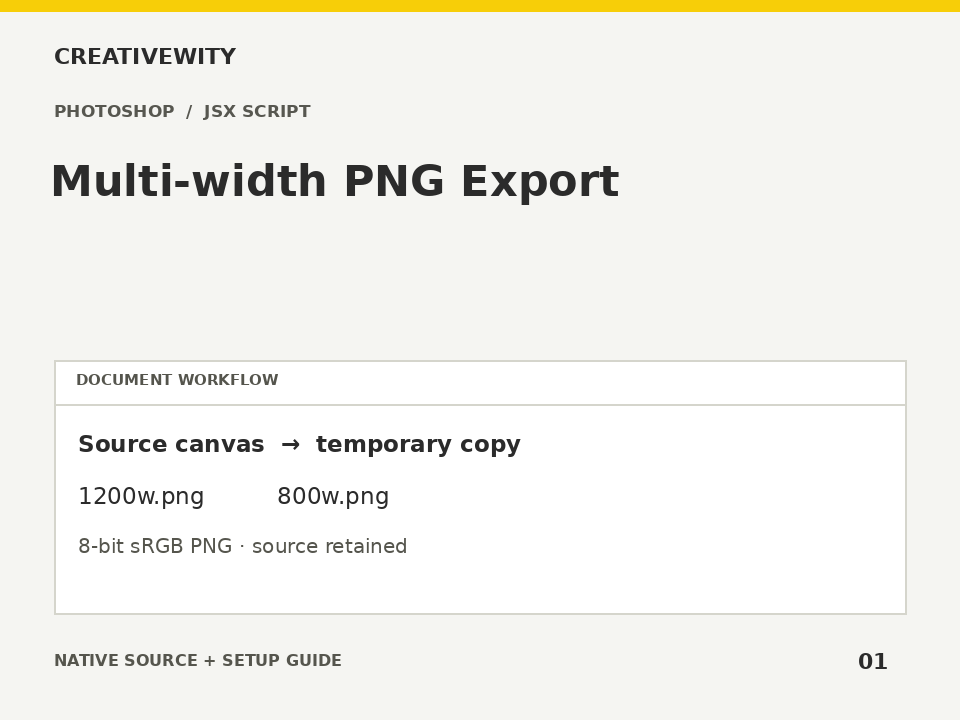
Export the active RGB canvas at several pixel widths as sRGB PNGs, using temporary document copies.
Download ZIPThis page is a setup guide; the tool runs inside Photoshop.
What it does
Prepare responsive image variants and transparent design exports without editing the working document.
Install
Extract this ZIP. In Photoshop desktop, use File → Scripts → Browse and select ps-multi-width-png.jsx.
Use
- Open the RGB source document.
- Run the JSX, enter comma-separated widths and choose whether enlargement is allowed.
- Choose an output folder. Results go into a new uniquely named subfolder.
Scope and limits
RGB 8/16-bit input with an assigned profile only; converts temporary copies to 8-bit sRGB. Exports the full canvas. Maximum 12 widths, 16,000 px on either output side. No enlargement by default; repeated capped widths are deduplicated. Output is PNG only; this is not a PSD, layer or artboard exporter.
Verification
Validation: JavaScript syntax, mock-host behaviour and package integrity are checked. Native execution in Photoshop is not certified; the Adobe applications and a signed-in Figma editor were not available in the build environment. Check the included manual checks in your installed app.